Training deck template: a finished example
New-hire training, "Business email basics": the goal, the parts of an email, the order of the body, common mistakes and a closing exercise. 13 slides.
Made with SlideAI from the prompt below. The company and figures are fictional; every slide is filled in, so you can see what a finished deck of this kind looks like.
All slides
What is on each slide
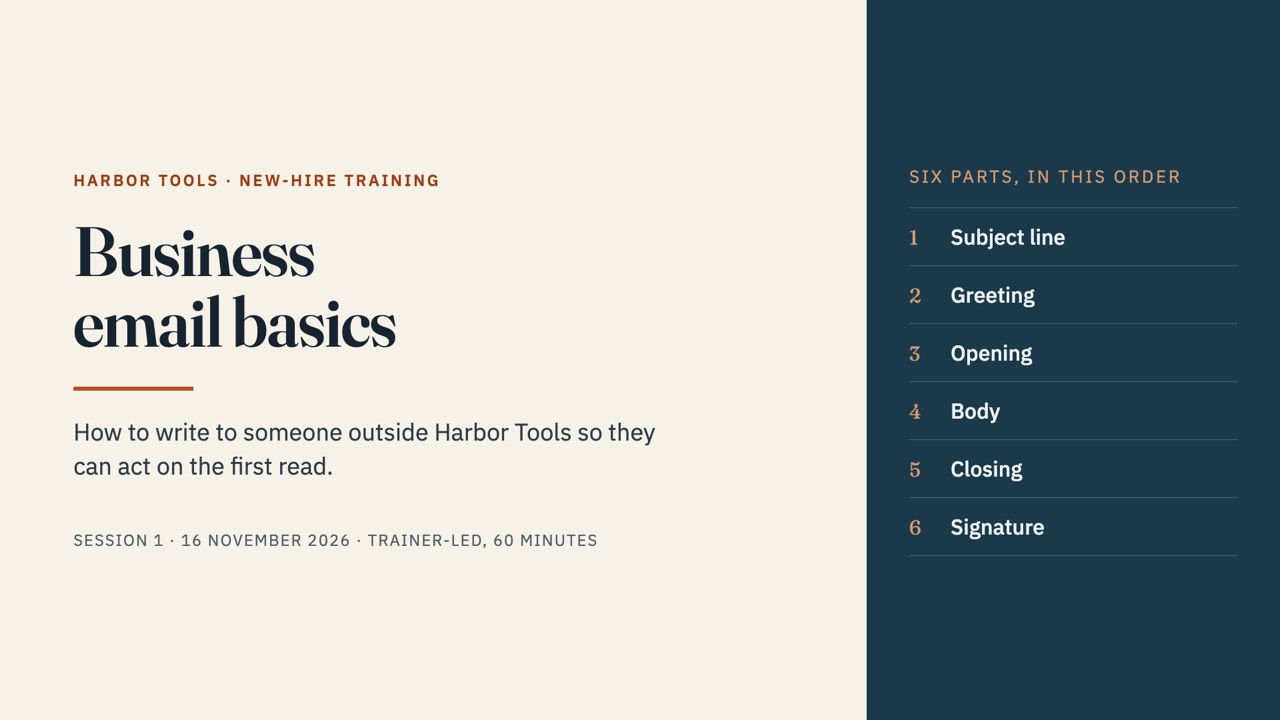
- Business email basics
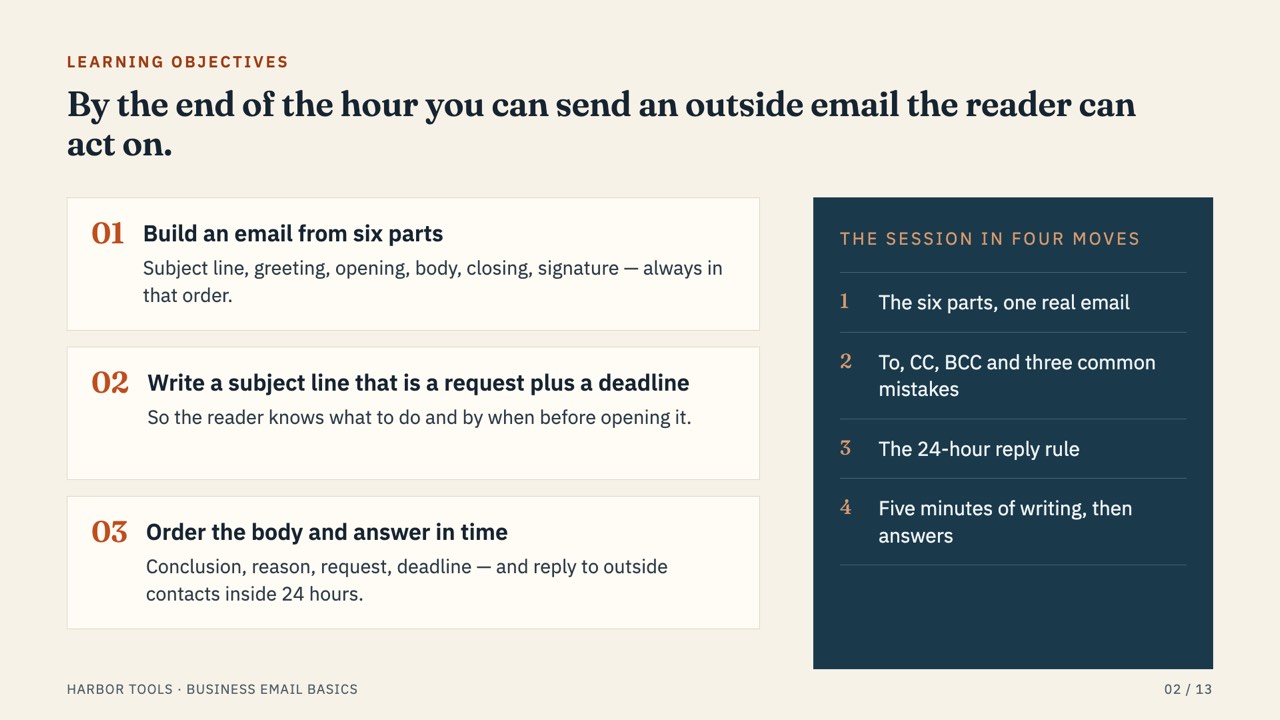
- By the end of the hour you can send an outside email the reader can act on.
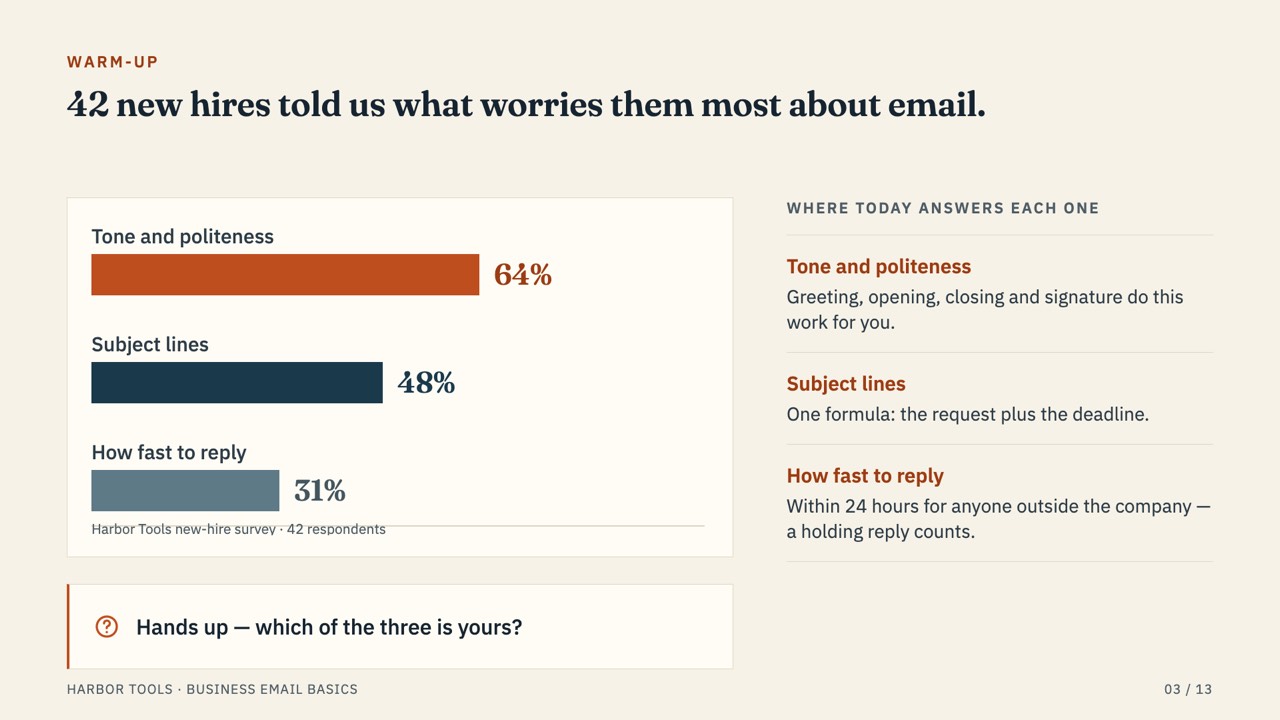
- 42 new hires told us what worries them most about email.
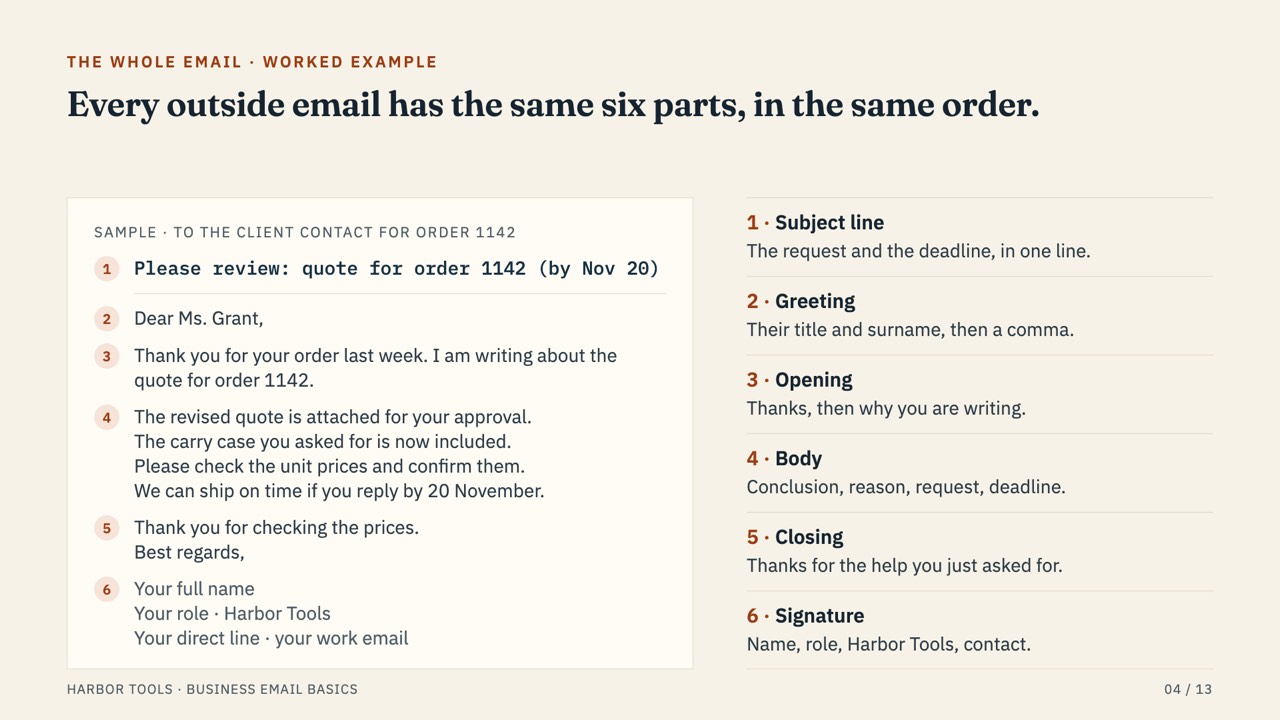
- Every outside email has the same six parts, in the same order.
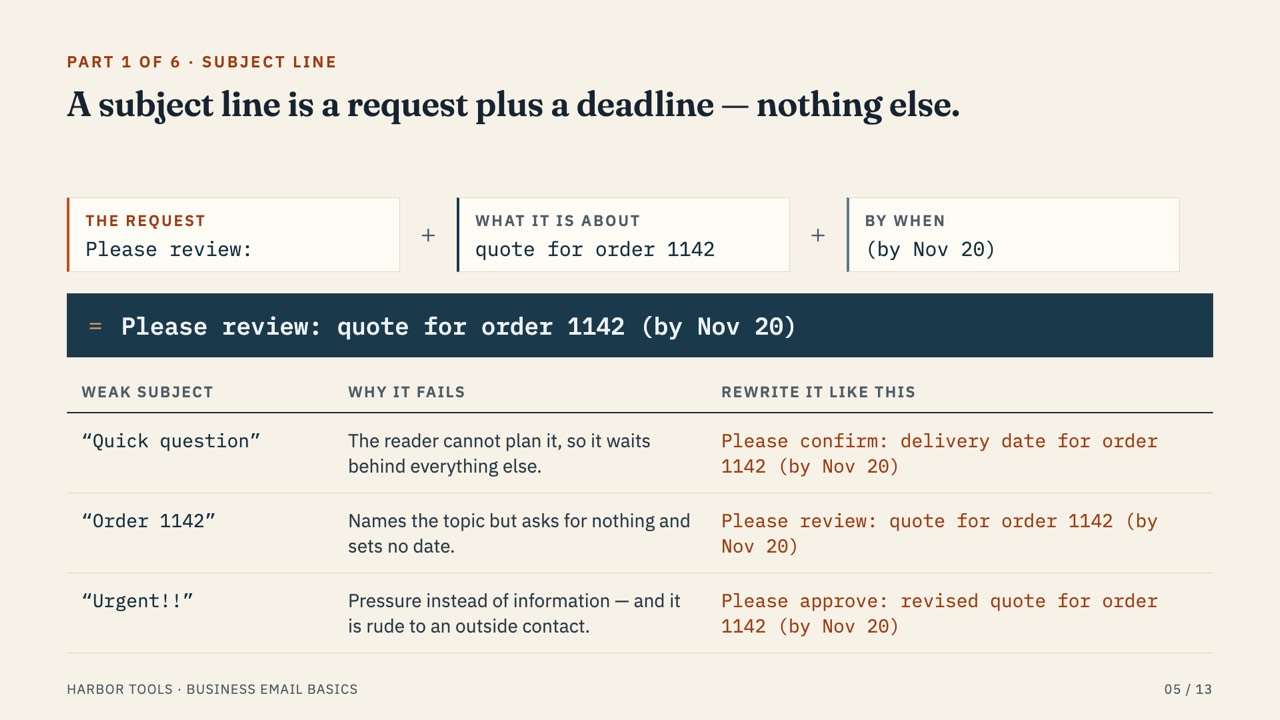
- A subject line is a request plus a deadline — nothing else.
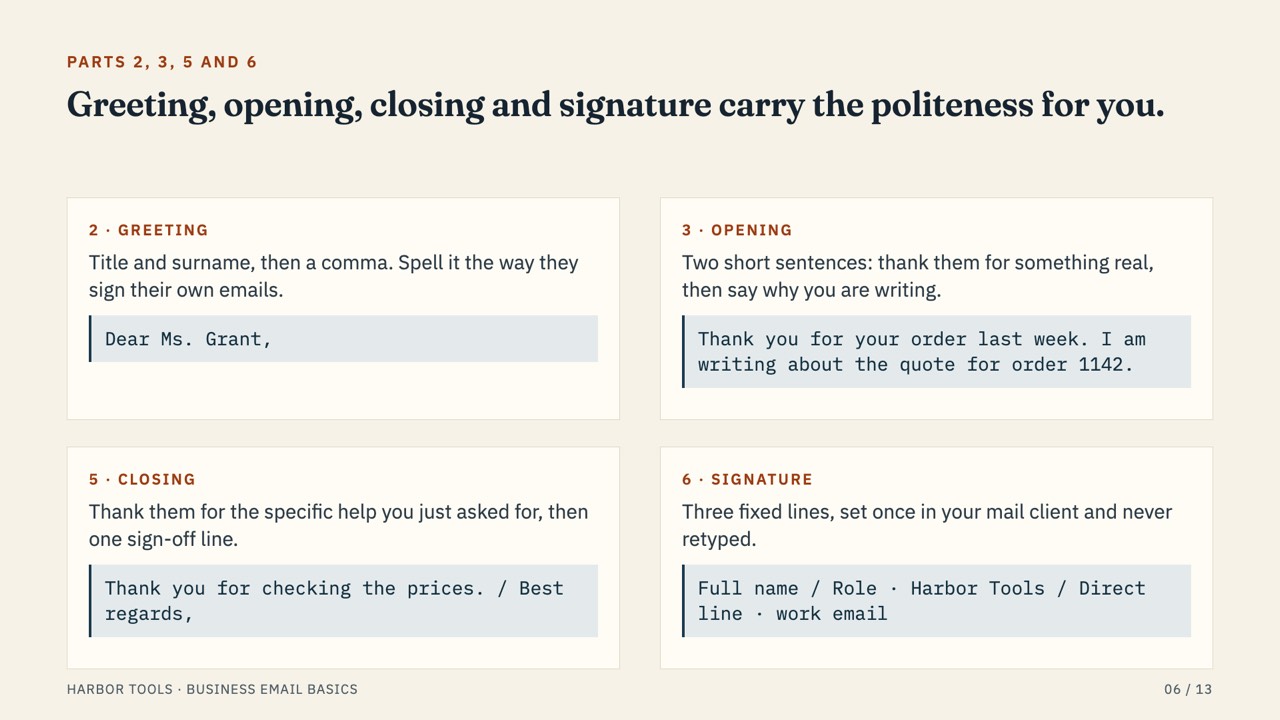
- Greeting, opening, closing and signature carry the politeness for you.
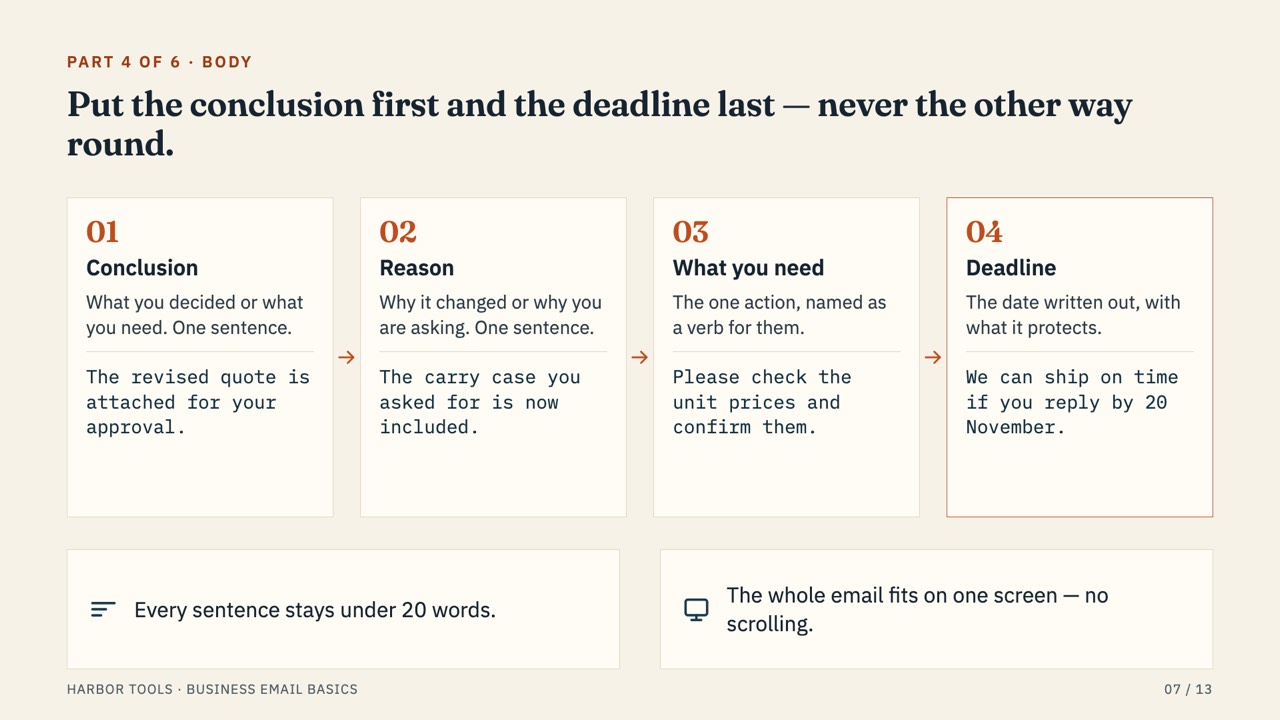
- Put the conclusion first and the deadline last — never the other way round.
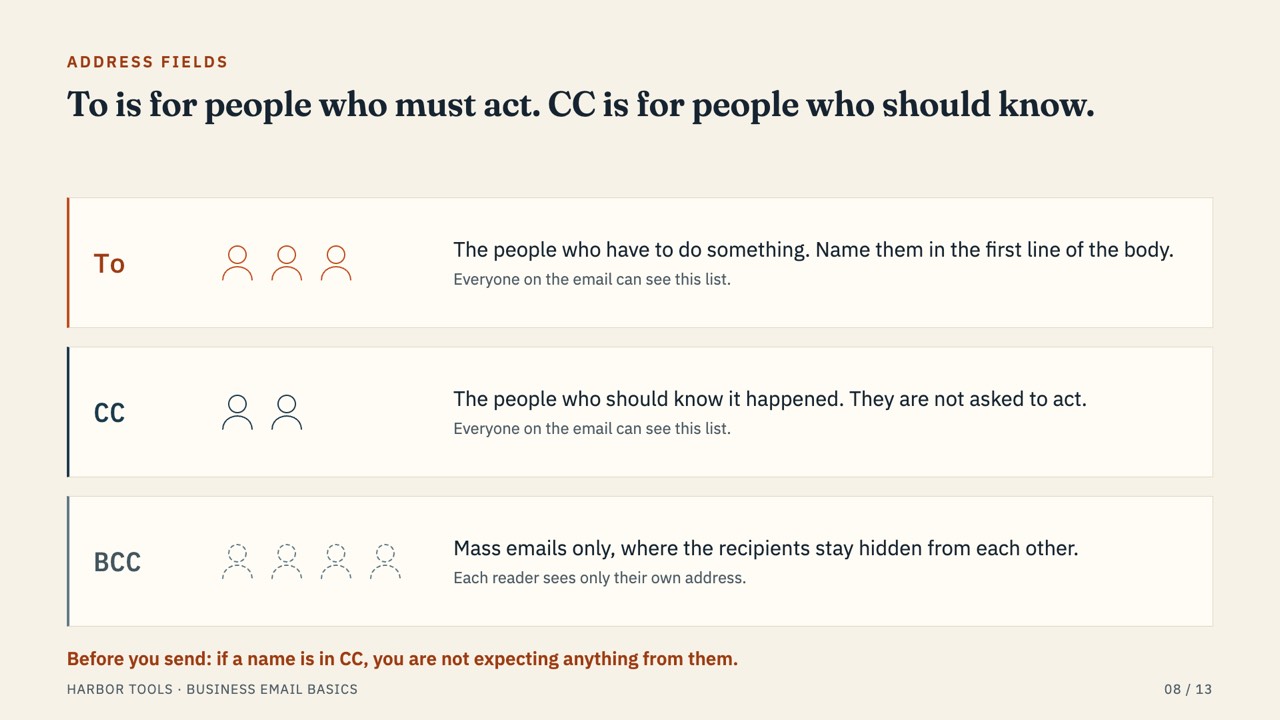
- To is for people who must act. CC is for people who should know.
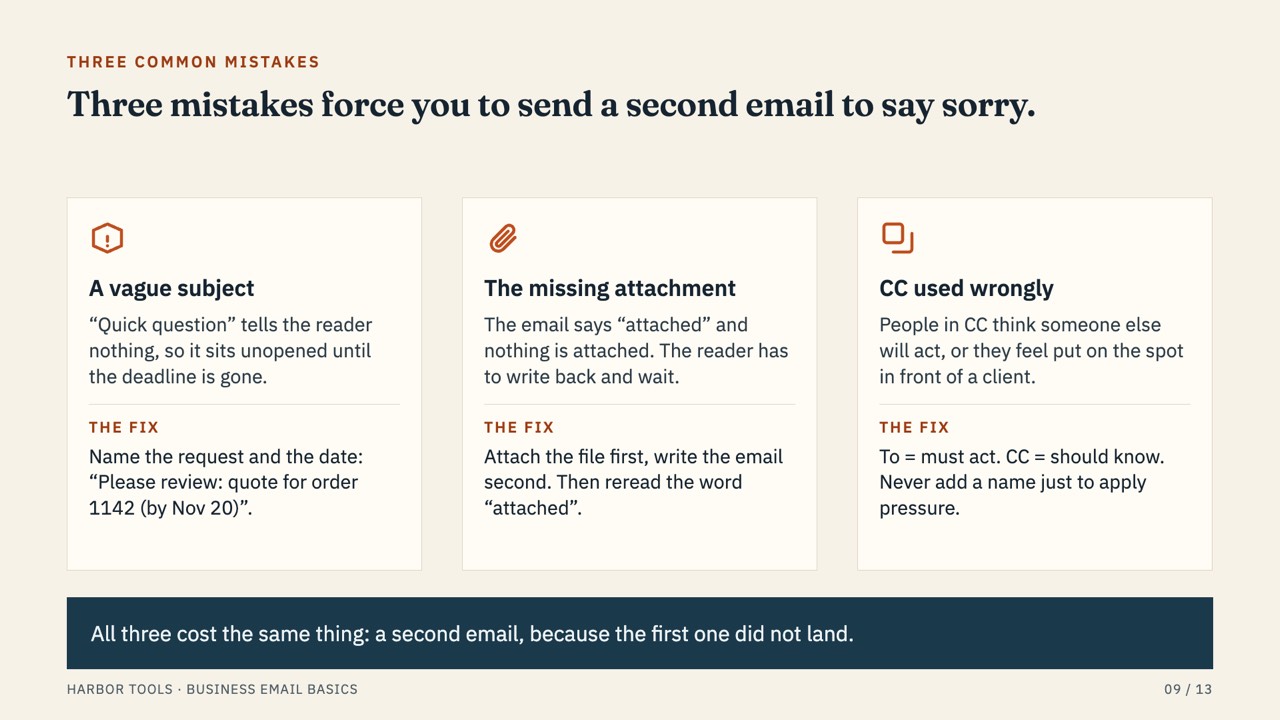
- Three mistakes force you to send a second email to say sorry.
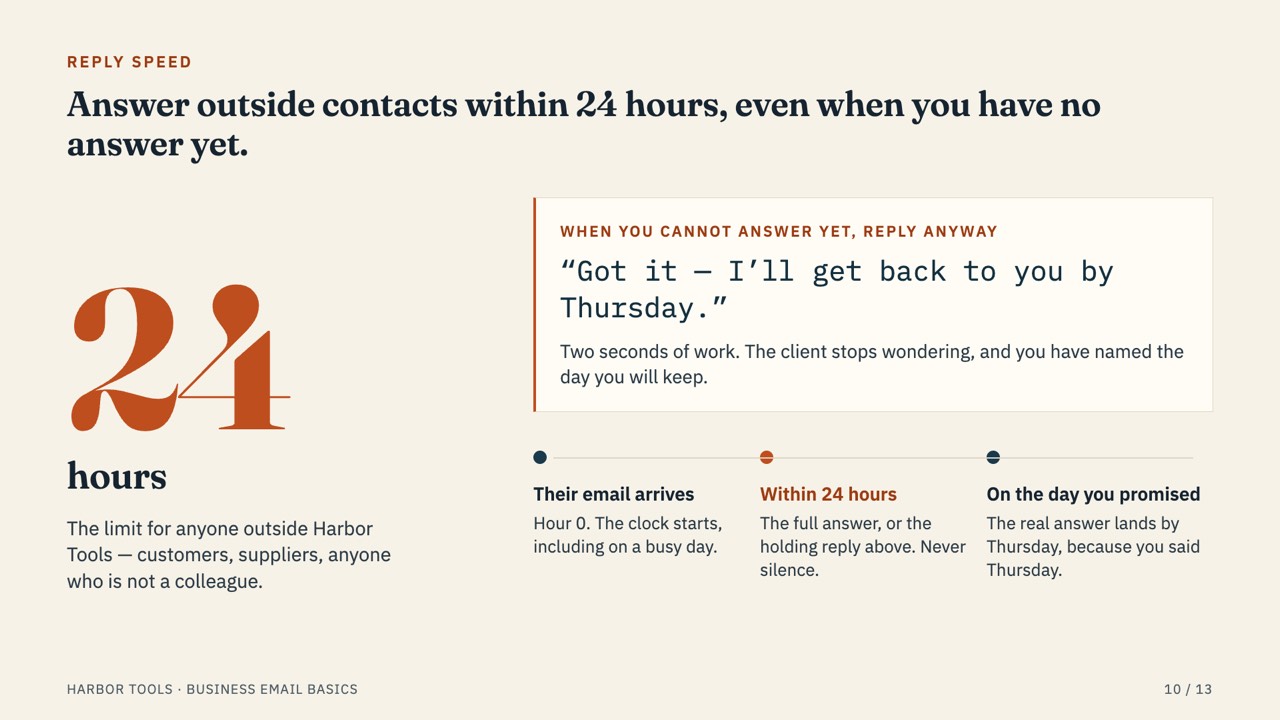
- Answer outside contacts within 24 hours, even when you have no answer yet.
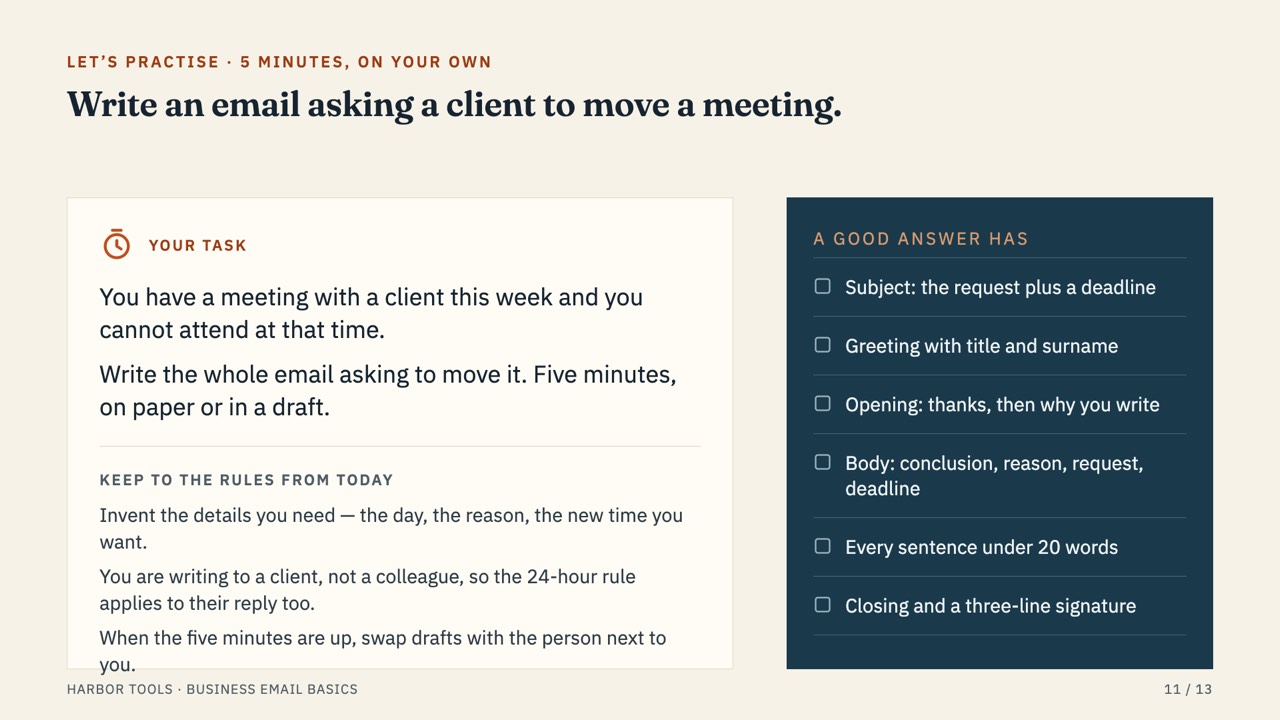
- Write an email asking a client to move a meeting.
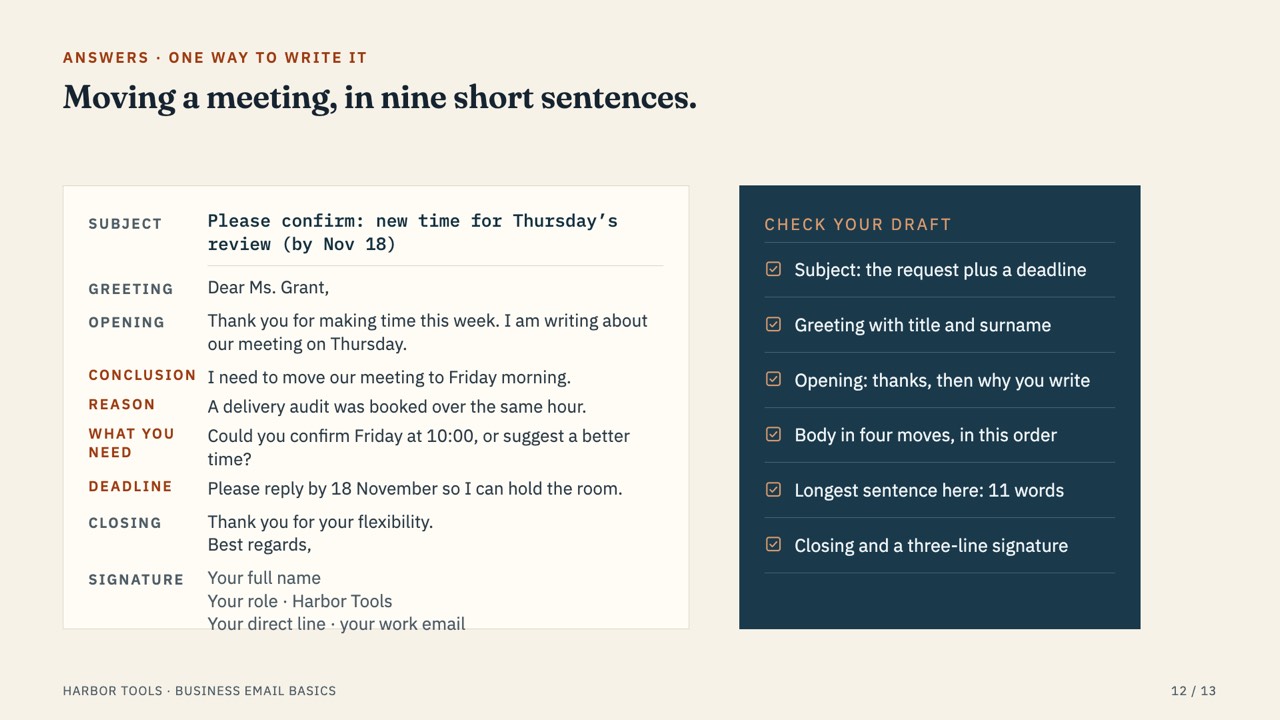
- Moving a meeting, in nine short sentences.
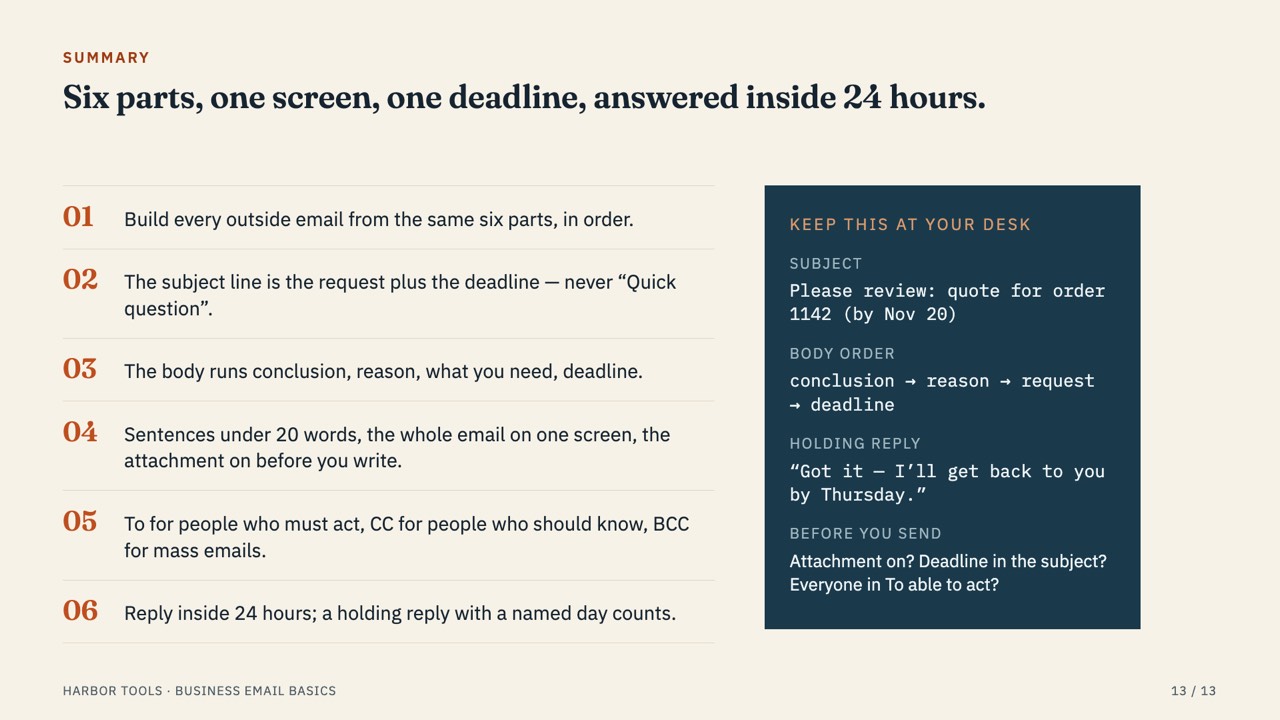
- Six parts, one screen, one deadline, answered inside 24 hours.
How to write this kind of deck
- Start with what people will be able to do after the session.
- Show each rule as a pattern plus an example (bad → good).
- End with a short exercise so people practise on the spot.
Make your own version
Questions
Is this Training deck template free?
Yes. The PDF is free to download and use, with no sign-up.
Can I edit it in PowerPoint?
Make your own version in SlideAI from the prompt on this page, then export it as PPTX and edit it in PowerPoint, Keynote or Google Slides. The first deck is free.
Is the company real?
No. The company, products and figures are fictional examples.
How was this deck made?
SlideAI wrote and designed it from the prompt shown on this page. Nothing was edited by hand afterwards.