Describe the deck you need. Get slides you can present.
SlideAI plans the structure, writes the text and designs every slide. Pasting your notes or a draft works too.
This is what one deck looks like
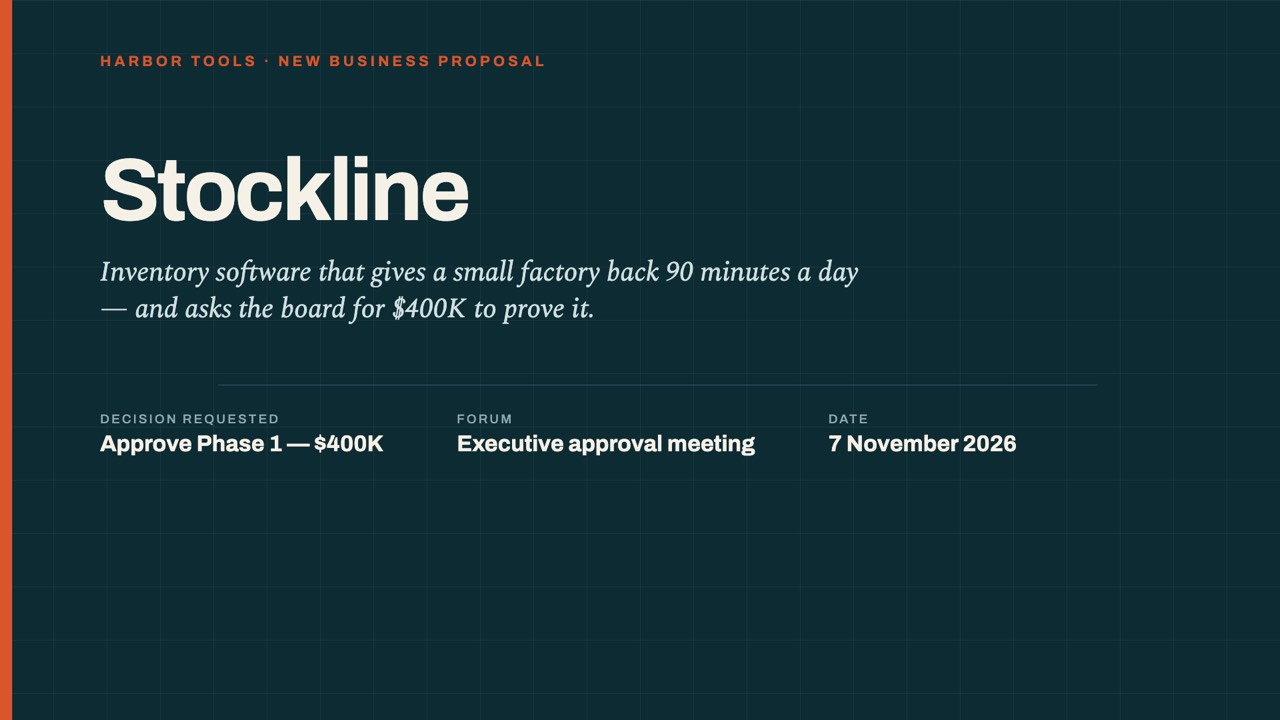
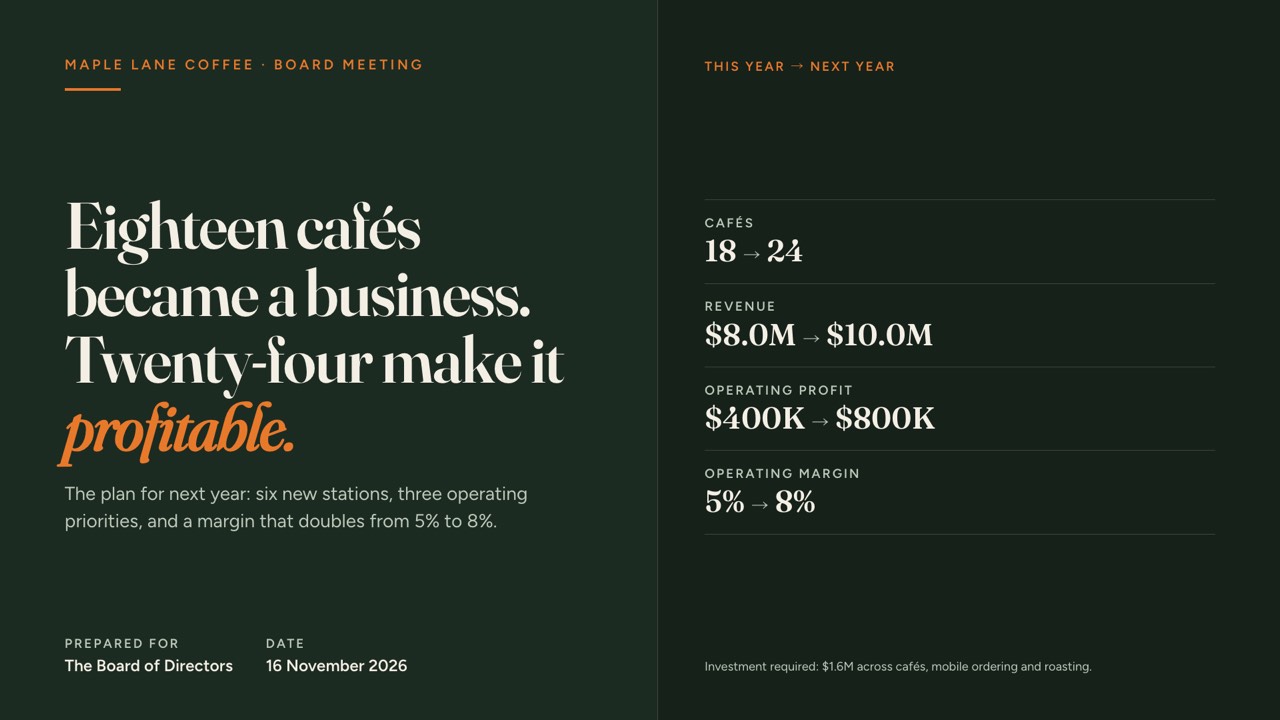
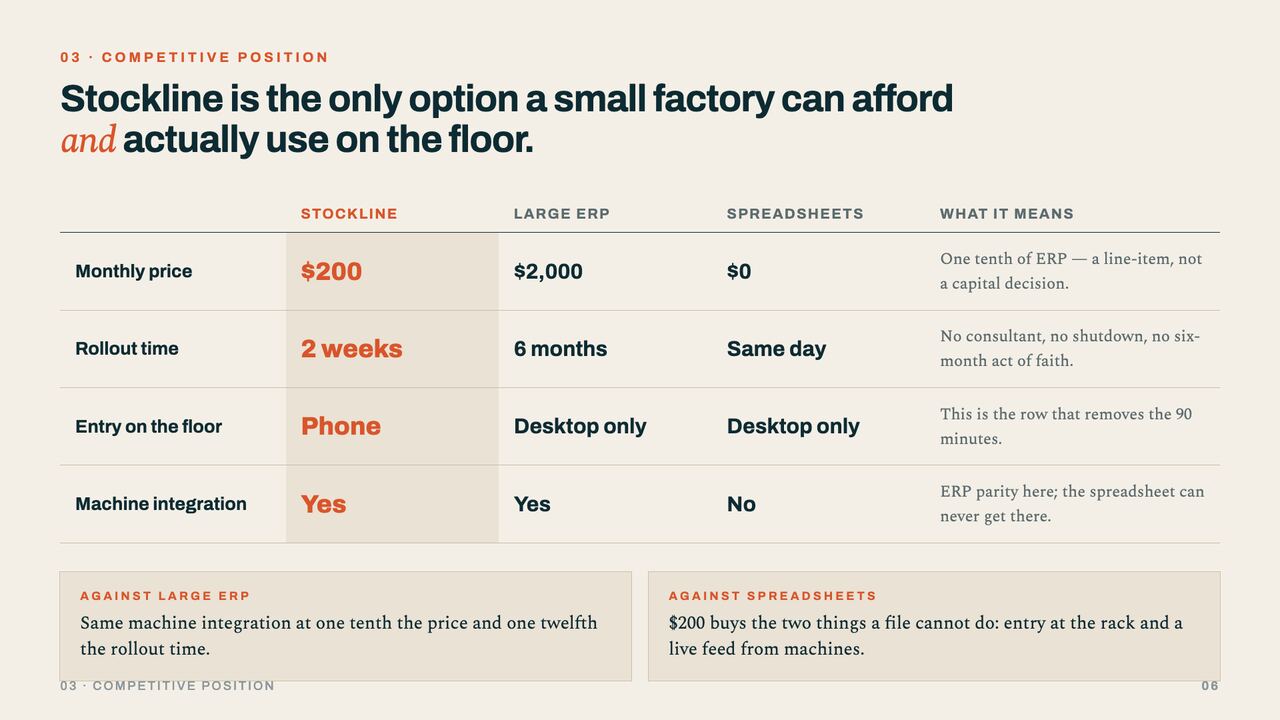
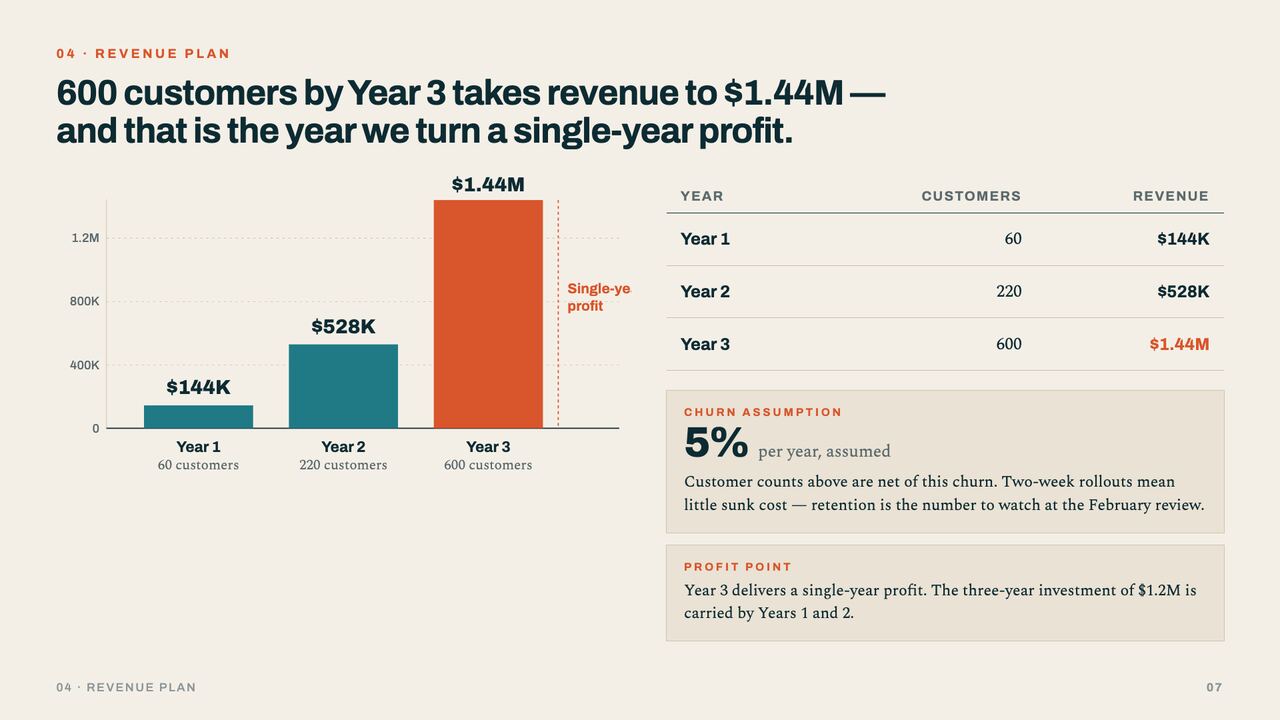
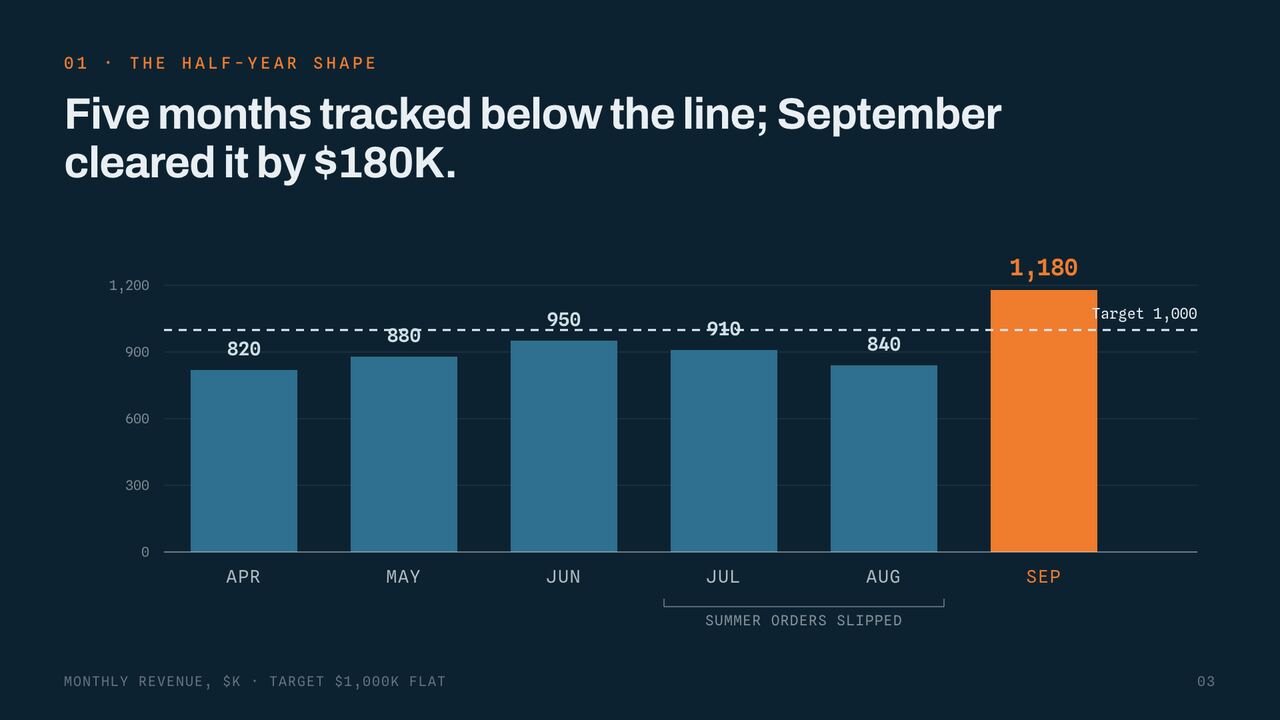
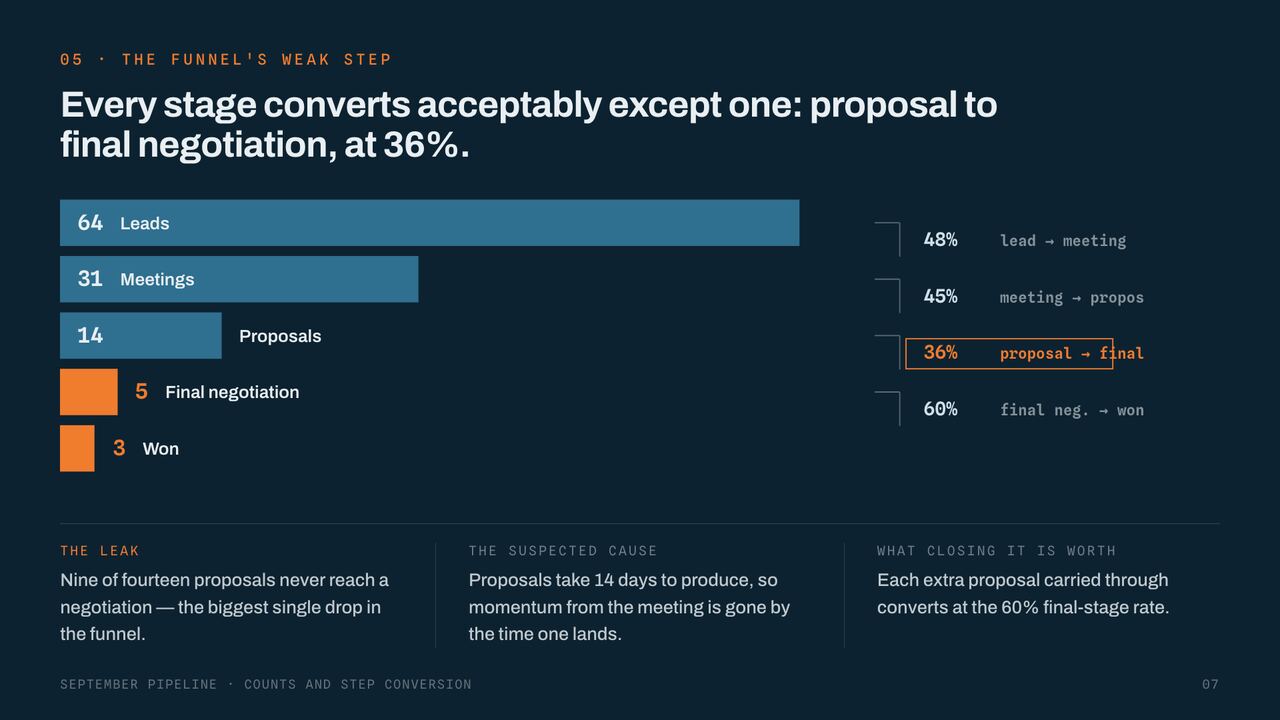
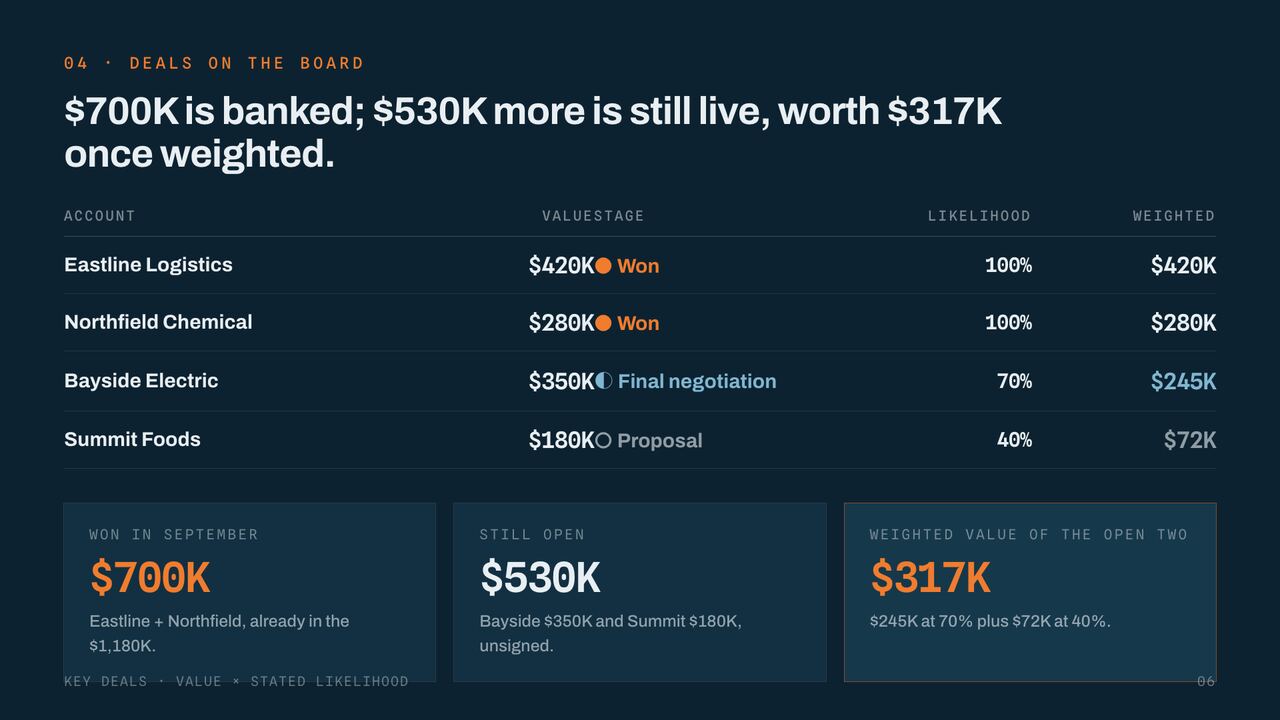
Pages from a new-business proposal and a monthly sales report made with SlideAI. The structure, the numbers and the charts are all laid out by the AI.
The look follows the content
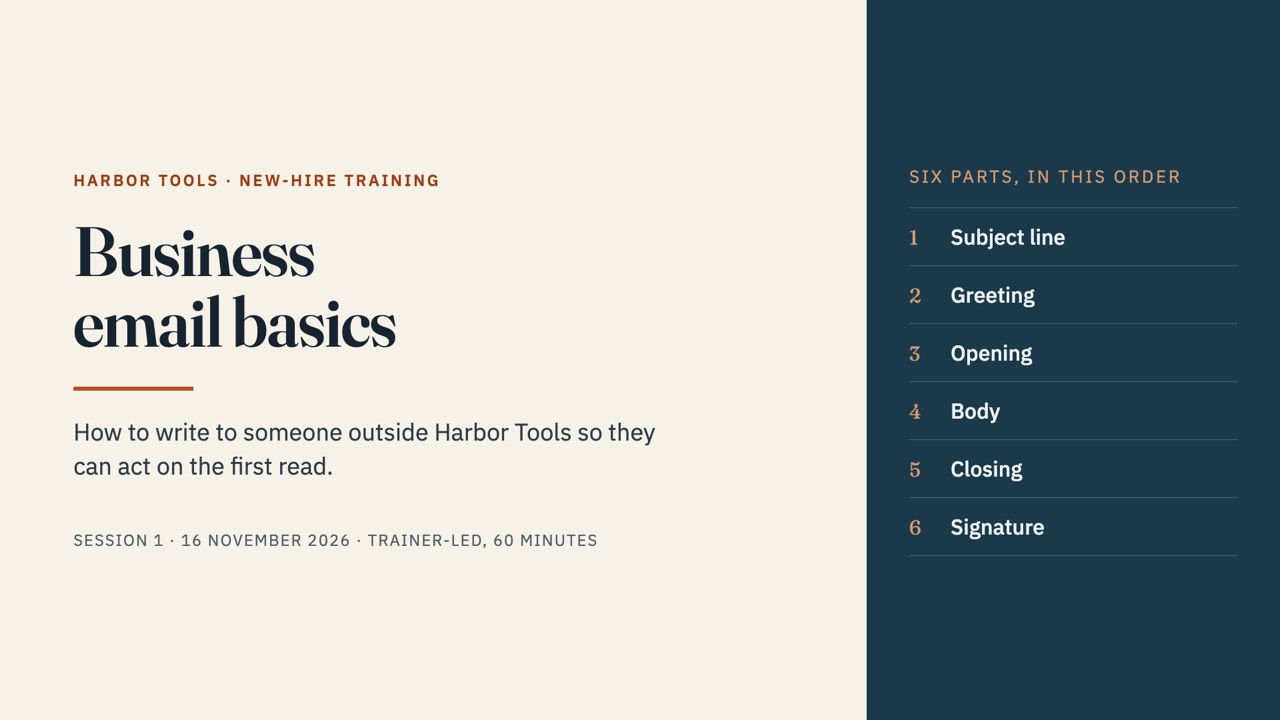
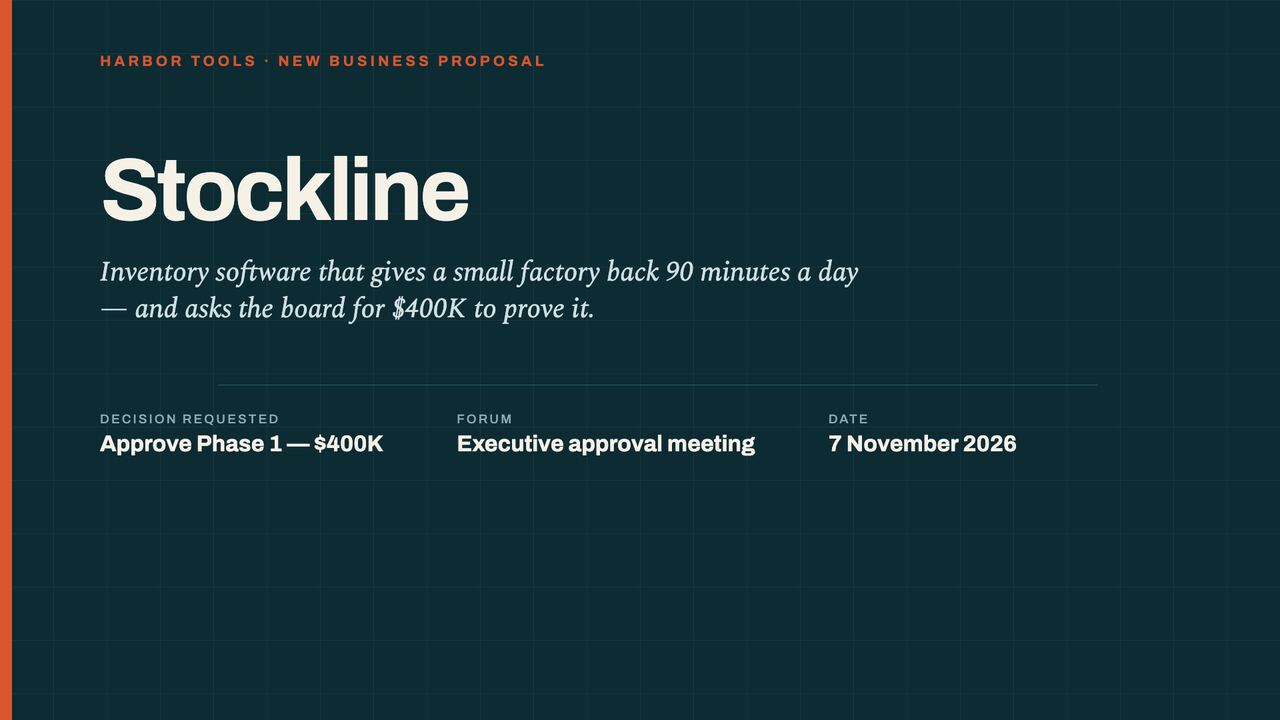
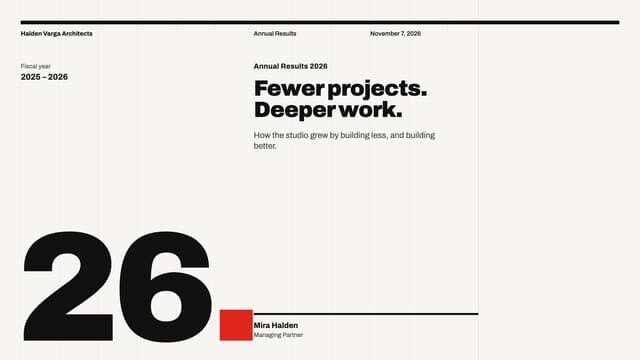
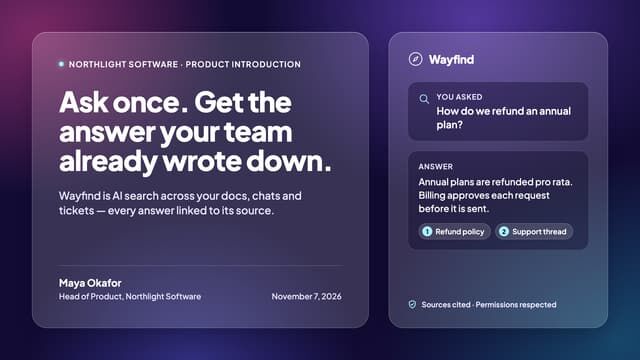
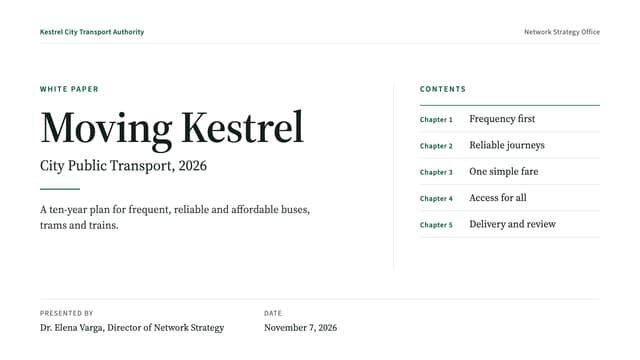
Reports, proposals, training, healthcare, engineering. SlideAI picks a look that fits the topic. In the phone app you can also choose from 24 formats.









How it works
- 1
Describe
Write what the deck is about in plain words, or paste your notes or draft.
- 2
Wait
SlideAI plans it and finishes the text, charts and design. You can close the tab.
- 3
Use it
Fix things in the browser, then export to PowerPoint (PPTX) or PDF.
What SlideAI does
Ready to present
Balanced headings and body text, charts, tables and photos placed for you.
Matches your company look
Give it an existing deck (PDF or images) and it follows the style.
Edit in PowerPoint
Export to PPTX and finish it in the PowerPoint you already use.
Continue on your phone
The SlideAI app for iPhone and Android makes decks too.
Pricing
Your first deck is free. To keep making decks or edit them with AI, choose a 7-day pass (no auto-renewal) or Pro, monthly or yearly.
FAQ
Do I need to sign up?
No. Press “Make my deck” and an account is made on the spot, with a SlideAI ID and password. Save them in your browser to continue on another computer.
How long does it take?
Usually 5–15 minutes. Longer decks or busy times take a little more.
Can I edit the deck?
Yes, fix text and images in the browser, or export to PowerPoint (PPTX) and edit it there.
How is this different from the phone app?
It is the same SlideAI. The browser is handier for pasting long drafts or finishing in PowerPoint.