
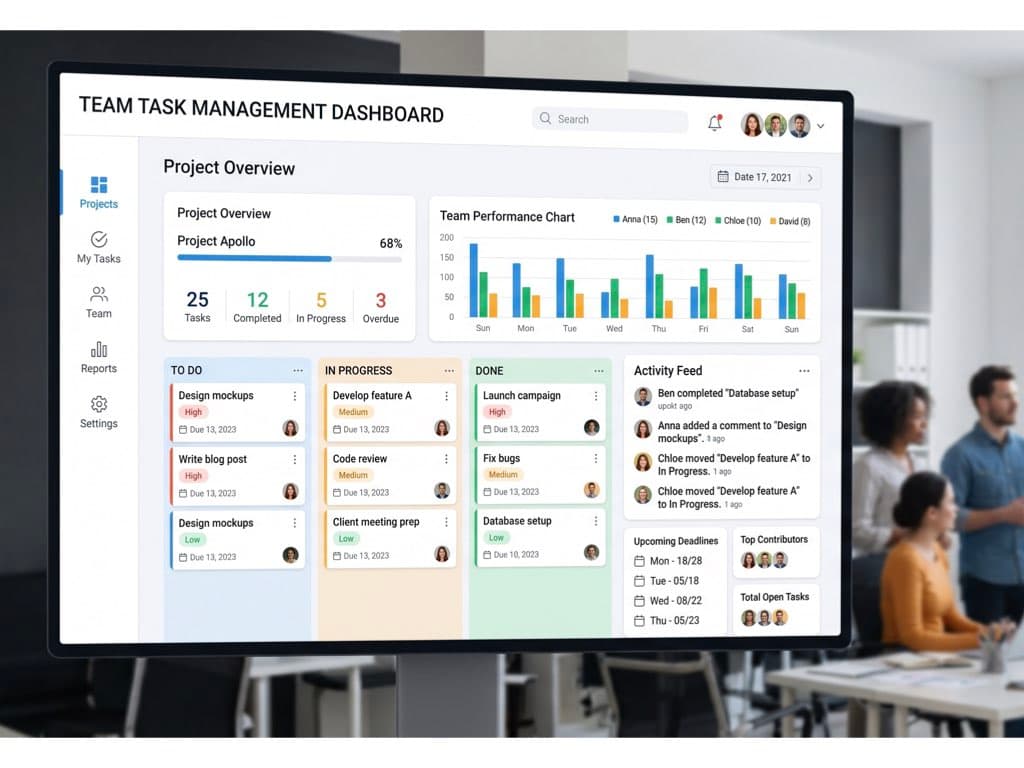
Meetings are where tasks are born. Minutes.AI is where they actually get done.
Every team has the same problem: a meeting ends, five tasks are created, and within 48 hours nobody remembers who owns what — or why the task even exists. The information is buried somewhere in an audio file, a transcript, or a teammate's head.
Today we are thrilled to announce the biggest update in Minutes.AI's history: the Team Feature. It turns your meeting recordings into a shared, AI-powered workspace for your entire team — and makes meeting task management effortless.
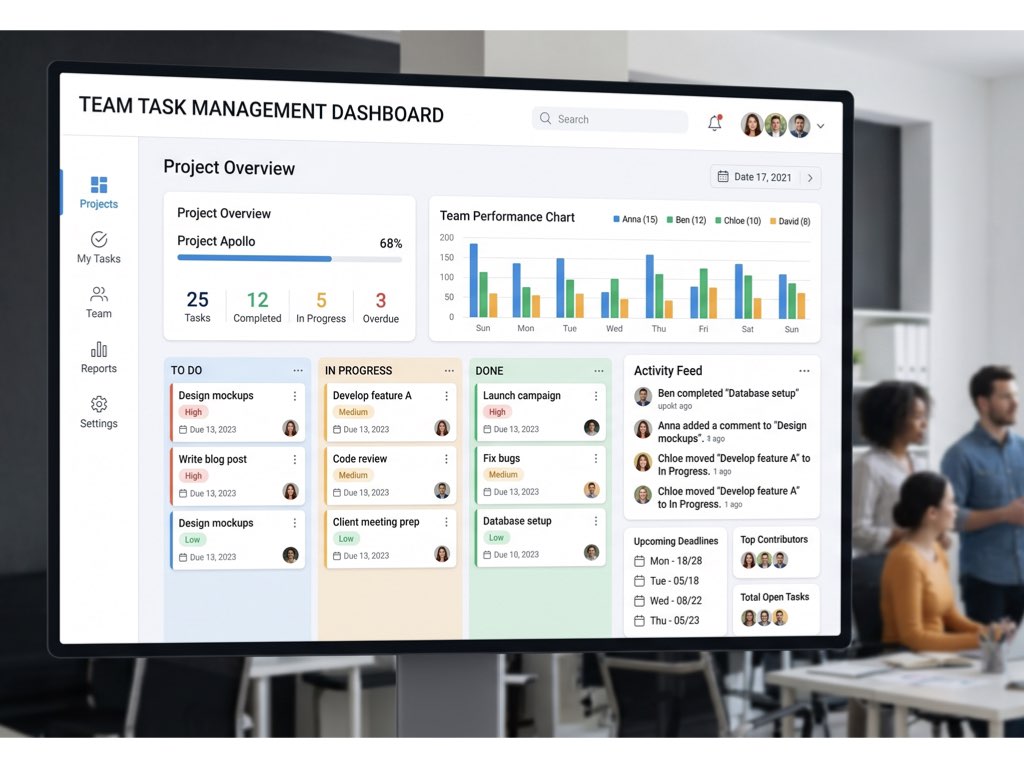
Why "task" is the real problem AI meeting tools need to solve
Most AI meeting tools stop at the transcript. They give you a wall of text, maybe a bullet-point summary, and call it a day. But the minute the meeting ends, the real work begins — and it's always about tasks:
- Who is doing what?
- By when?
- Why was this decided in the first place?
- Has anyone already handled it?
If your meeting tool can't answer these questions, it isn't actually helping your team — it's just a fancy recorder. The new Team Feature in Minutes.AI is built from the ground up around this single idea: a meeting tool should manage the tasks it creates.
What's new in the Team Feature
1. Create a team in seconds — free, up to 10 members
Hit the Share button on any set of minutes and Minutes.AI walks you through creating a team. Name it, invite up to 10 teammates by email, and we'll send them a branded invitation with iOS and Android download links (or copy the links yourself and paste into Slack, LINE, or WhatsApp).
- Free to create. Free to invite. Free to view.
- Works on both iOS and Android
- Every team member sees shared minutes instantly on their dashboard
2. Tasks with meeting context — the "Wait, what was this task again?" problem, solved
This is the feature we're most excited about. When you share minutes with your team, Minutes.AI uses Gemini to automatically extract:
- The task (what needs to be done)
- The owner (who's responsible)
- The deadline (when it's due)
- The birth context — the exact conversation that created the task, the decision behind it, and a one-tap link back to the original meeting
No more "what was this task for again?" moments at 9pm. Every task card carries the meeting it came from, so the context is always one tap away.
3. Smart lifecycle — tasks that close themselves
Traditional task managers pile up zombie tasks. Minutes.AI doesn't.
- Auto-resolve in meetings: When a later meeting says "we shipped it" or "that's done," AI matches the phrase to your open tasks and closes them automatically.
- Smart archive: Tasks that quietly fall out of relevance drift into a "needs review" zone instead of shouting at you in red.
- Time-bucketed grouping: Today, This Week, Later — so your team always sees what matters now.
The design principle is simple: tasks are born in meetings and should die in meetings. Your team shouldn't need to babysit a task list.
4. Project dashboards — AI-generated, zero manual upkeep
Every meeting is automatically classified into a project. For each project you get:
- AI Summary — a 2–3 sentence view of where things stand right now, refreshed every meeting
- Goal — extracted from your first meeting, updated as direction changes
- Blockers — what's actively slowing progress, highlighted in red
- Decision Timeline — every key decision, in chronological order
- Open Tasks — filtered to the project
- People — who's been involved across meetings
You never have to update a status doc again. Your meetings are the status doc.
5. Ask your team's meetings anything — AI Chat with confidence labels
The Team Feature includes a cross-meeting AI Chat: ask a question and get an answer synthesized from every shared meeting in your team, with sources cited.
To combat hallucinations — the #1 risk with AI chat — every answer comes with a confidence badge:
- 🟢 Certain — confirmed across multiple meetings
- 🔵 High — clearly stated in a single meeting
- 🟡 Uncertain — partial or inferred
- 🔴 Unknown — no matching record found
And yes, you can tap the mic and just ask. Voice input lets you say "What did we decide about pricing last month?" and get a sourced answer in seconds.
Who benefits most from this
If you recognize any of these, the Team Feature was built for you:
- You're the information hub for your team — everyone funnels questions through you about "what was decided" or "what's next"
- You run cross-functional meetings (IT, HR, legal, operations) and each group only needs their slice of the context
- Your team manages tasks in spreadsheets, notepads, or people's heads and wants something smarter without learning Asana or Notion
- You want task management that doesn't require manual task management
How to get started
- Update to the latest version of Minutes.AI on iOS or Android
- Record a meeting (or open an existing one)
- Tap Share → Create Team
- Invite up to 10 teammates by email or send them the link
- Watch tasks, decisions, and project summaries populate automatically
Team creation, invitations, and meeting viewing are completely free. A personal subscription is only required when a member wants to start recording their own meetings beyond the free tier.
The bottom line
A meeting ends. Three things should happen automatically: the knowledge should be shared, the tasks should be tracked, and anyone on your team should be able to ask "what did we decide?" and get an instant, sourced answer.
That's the Team Feature. Try it on your next meeting — your tasks will thank you.
Available now on iOS and Android. Download Minutes.AI and turn your meetings into a team knowledge base.